
Video Wall Setup at Control Rooms
In the high-stakes environments of government operations and corporate headquarters, the Video Wall is more than just a large screen—it is the central nervous system of the organization. From real-time operation monitoring to deep-dive data analytics and business intelligence, a well-implemented video wall provides personnel with the detailed, large-scale views necessary for split-second decision-making.
At Lygos, we understand that the transition from a concept to a functional control room involves critical technical decisions. Here is your roadmap to navigating screen configurations and power solutions.
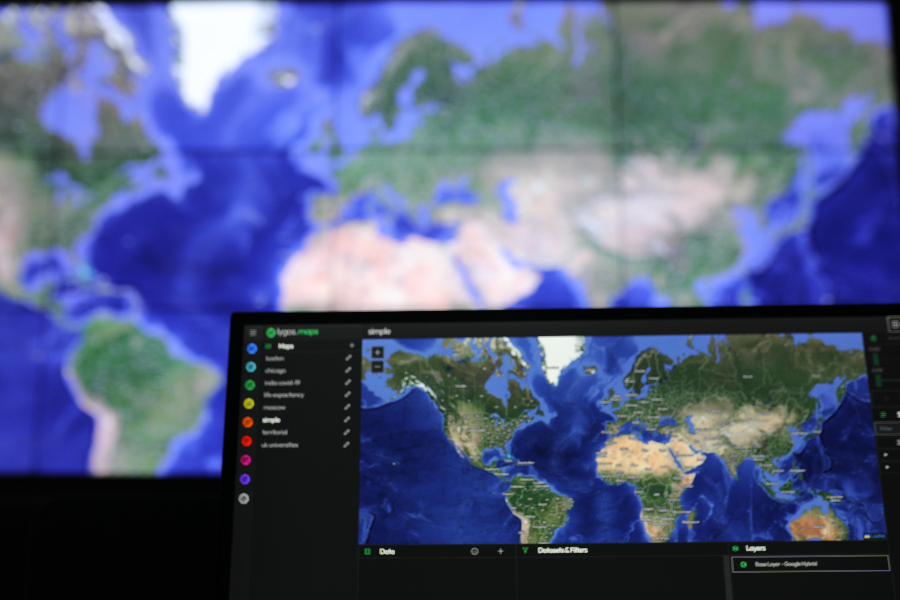
1. Designing the Physical Layout
The effectiveness of your control room starts with the physical architecture of the display.
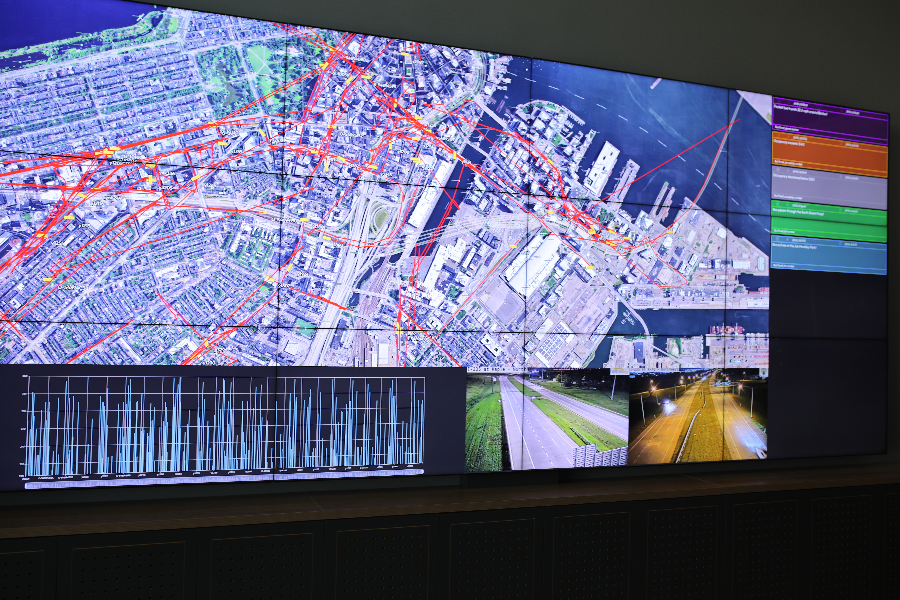
Determining Screen Quantity
The number of displays is not a "one size fits all" decision. Your organization must balance several factors:
- Budget: Total cost of ownership for both hardware and maintenance.
- Room Ergonomics: Ensuring the size matches the physical dimensions of the space.
- Personnel Requirements: How many operators need to view the wall simultaneously?
- Viewing Distance: The distance between the personnel and the wall determines the necessary pixel pitch and overall scale.
Formation: Flat vs. Circular
- The Standard Wall: The most common setup, ideal for high-ceiling rooms where a massive vertical and horizontal canvas can be mounted directly to the building structure.
- Circular/Curved Setup: A specialized option often seen in elite research hubs, such as the Data Science Institute at Imperial College London. These require custom metal structures but provide an immersive, wrap-around perspective that improves visibility for teams situated in the center of the room.
2. Powering the Vision: Software vs. Hardware
Once the screens are up, you must choose the engine that drives them. There are four primary architectures to consider:
A. The Basic Approach: No Specialized Hardware/Software
This relies on the "daisy-chain" capabilities built into commercial displays (connecting via HDMI and signal cables).
- The Limitation: While simple, it usually caps the resolution at 4K across the entire wall. If you have ten 4K screens, your potential resolution is 40K, but this method forces you to stretch a single 4K signal, resulting in significant pixelation. It is best suited for basic digital signage, not interactive control centers.
B. Pure Hardware Solutions
In this setup, a third-party controller treats the video wall like a giant multi-monitor desktop.
- The Challenge: To reach full resolution, the connected PC must be incredibly powerful. Even then, standard operating systems and applications often struggle to scale to such extreme dimensions, leading to poor performance.
- The Compromise: Most hardware solutions divide the wall into sections, each powered by a separate PC. This prevents you from running a single, unified visualization (like a massive interactive map) across the whole wall.
C. Software/Hardware Hybrid
In this model, the solution provider sells a turnkey package: proprietary software pre-loaded onto optimized, high-performance PC hardware. This reduces compatibility headaches but tethers you to a specific vendor's ecosystem, furthermore prevents you from upgrading hardware as it ages by your own.
D. Pure Software Solutions (The Gold Standard)
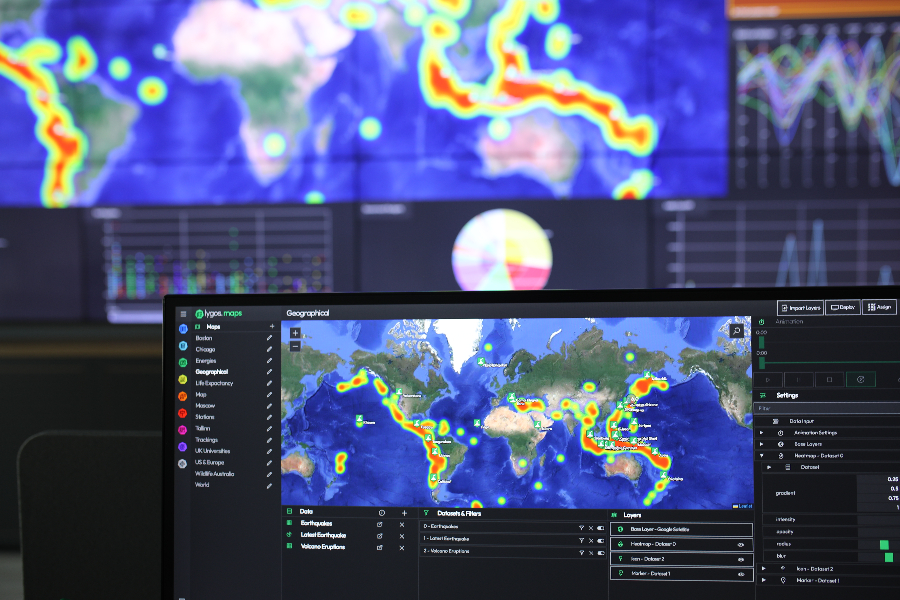
For modern control rooms, distributed software solutions offer the most flexibility. In this architecture, multiple PCs (either one per screen or one per small group of screens) run specialized software that creates a unified, seamless canvas.
Feature
Pure Software Benefit
Scalability
Renders high-resolution visualizations across the entire wall without lag.
Flexibility
Simultaneously displays various media, live data feeds, and analytics.
Optimization
Specifically designed for control room workflows and team collaboration.
Performance
Handles the heavy lifting of rendering by distributing the workload across multiple nodes.
Conclusion
A control room is only as effective as the clarity of the data it displays. While hardware-only solutions might seem simpler, Pure Software architectures provide the high-resolution, interactive capabilities required for modern operation monitoring and business intelligence.
Ready to elevate your organization’s visual intelligence? Explore our solutions at our Pricing page to find the perfect fit for your next command center project.