
Lygos How To Guides: Mastering Visual Data Analytics and Video Wall Management
Welcome to the official Lygos How To hub. Modern operations centers and corporate environments require more than just static displays. They demand dynamic, real time visual intelligence. Whether you are outfitting a mission critical control room, designing multi purpose office dashboards, or deploying global digital signage, our comprehensive guides are designed to help you maximize the full potential of your visual data analytics platform.
Explore the categories below to find detailed instructions on configuring your hardware architecture, connecting live data feeds, and building interactive collages across massive multi screen video walls.
Establishing Your Video Wall Infrastructure
Learn how to break free from expensive proprietary hardware matrices. Discover how to leverage standard commercial computers to drive millions of pixels. Our setup guides will walk you through deploying Lygos Screen Clients, configuring local area networks, and grouping individual monitors into seamless, synchronized Screenspaces tailored for security operations centers and office corridors alike.
Building Operational Dashboards and GIS Maps
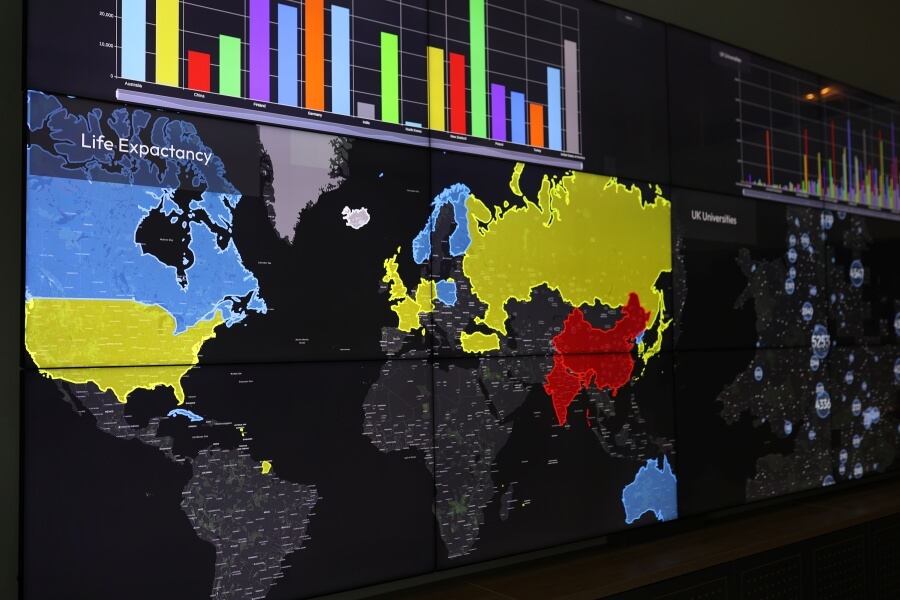
Data is only valuable when it is readable and actionable. Dive into our data integration tutorials to learn how to connect live databases, REST APIs, and local file watches. You will discover how to transform raw metrics into animated KPI indicators, complex charts, and multi layered geographic intelligence systems. We provide exact workflows for deploying these interactive assets directly into dynamic layout slots on your video wall grids.
Managing Multimedia and Digital Signage
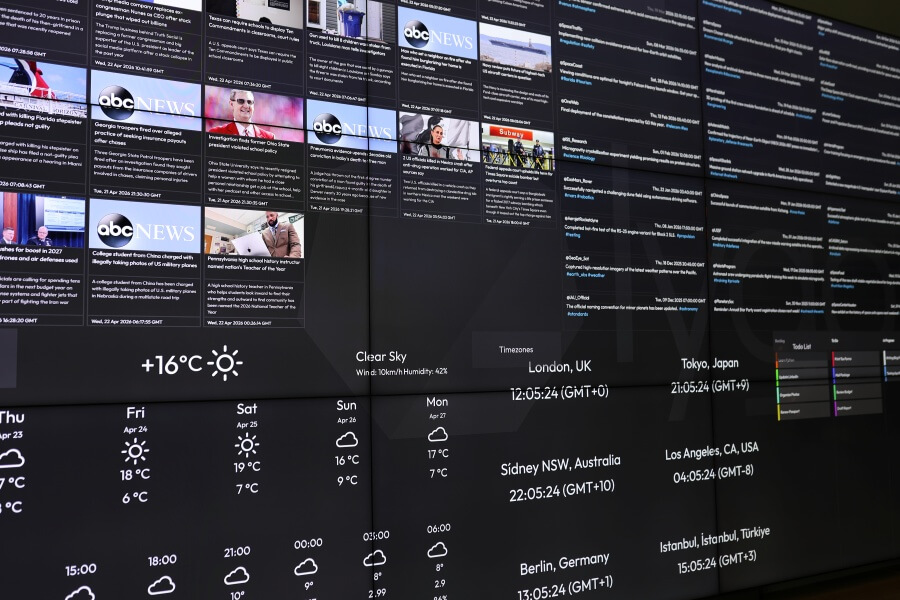
A versatile display environment must handle diverse content simultaneously. Explore our media guides to learn how to deploy live CCTV surveillance streams, multi page PDF briefings, gigapixel image viewers, and interactive Kanban boards. Furthermore, learn how to utilize the Signage Module to orchestrate automated loops that keep your workforce informed with live news feeds, weather updates, and corporate messaging during shift changes.
Delivering Presentations and Remote Control
Take absolute command of your visual narrative. Our interactive guides explain how to build collaged data presentations that scale perfectly across your operations center. Learn how to untether your operators by configuring remote access via the Lygos tablet application, desktop control clients, and secure mobile QR codes. Master advanced features like the mobile air mouse, collaborative whiteboard drawing, and spatial synchronization to ensure your team analyzes complex scenarios in perfect harmony.
Automating Your Visual Workflows
Reduce manual overhead by scheduling your video wall operations. Find out how to configure automated system triggers that wake up your displays in the morning using network commands, seamlessly switch your data layouts based on active operational shifts, and securely power down your commercial PCs at night.
Select any of the detailed guides from the menu to begin building your ultimate visual workspace.