Configure Loop/Schedule
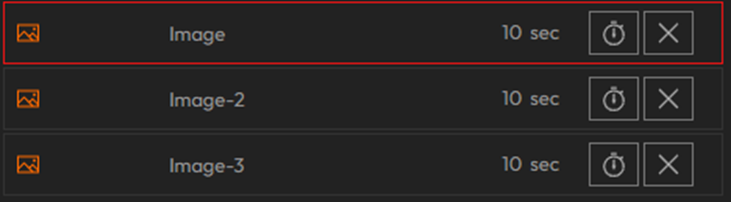
To configure signage loops or schedules on video walls and dashboards, first create them from signage module. Afterwards, Add visualizations(maps, media, charts) to your loop or schedule. Once Visualizations are added, they will appear in a list on the right side of the screen.
For Schedules:
- Enter trigger time for each added visualization.
- Scheduled visualizations will automatically trigger at the set time every day.
For Loops:
- Use the clock icon on each visualization to define how many seconds it will stay visible on screens during the loop.
Arrange Order
- Drag and drop visualizations to reorder them according to your desired playback sequence.
This setup allows you to create custom loops that cycle through various content at your chosen pace on your video walls or dashboards.