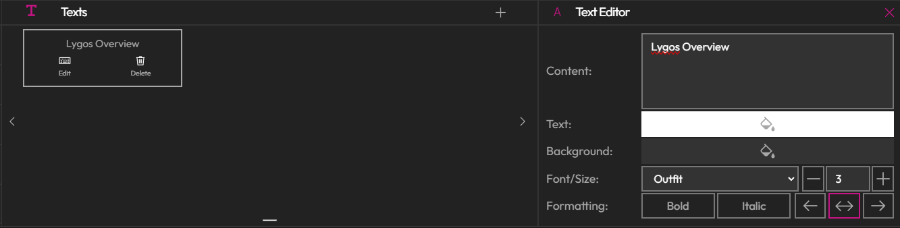
Add Visualizations/Texts
Enhance your video wall presentation slides by adding various types of visual content.
How to Use
- Select a Slide: Click on the slide you want to add or edit.
- Choose Visualization Type: Select from Maps, Sensors, Media, or other Visualization elements.
- Add Elements: Load the visualization element you want to include in the slide.
- Position Freely: Place visualizations in any region of the slide layout.
- Preview Elements: Use the preview option to see how your elements will appear.
- Control: Manage loaded elements using the Control button.
This allows for complete customization and interactivity in your presentations.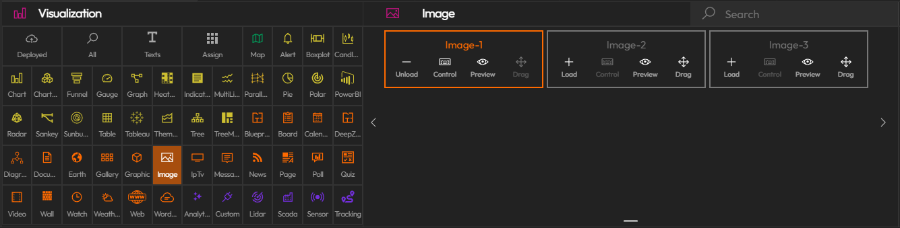
Add Texts
Alternatively, you can add simple text widgets as headers in your presentations.
Add and edit your text widgets. You can add multiple texts any location any size on the grid.