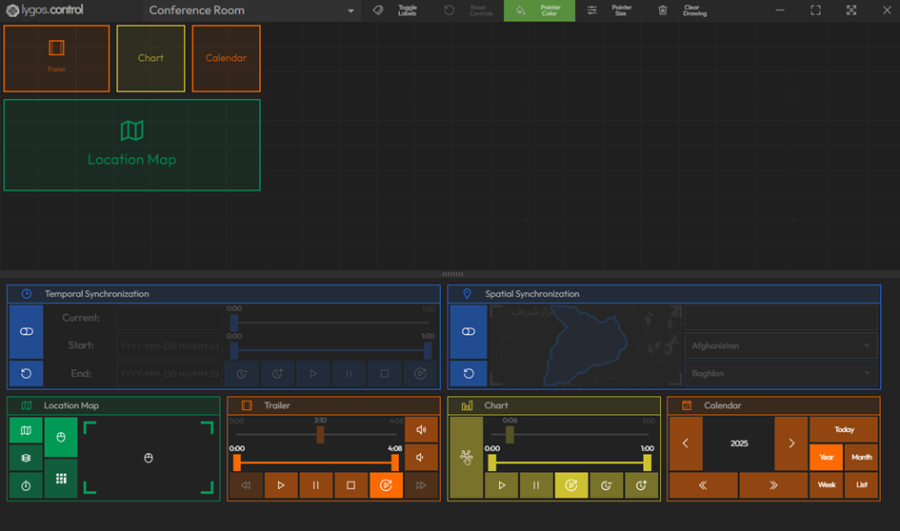
Control Dashboard
Control Dashboards provide dedicated user interfaces for real-time interaction with visualizations on layouts and screenspaces.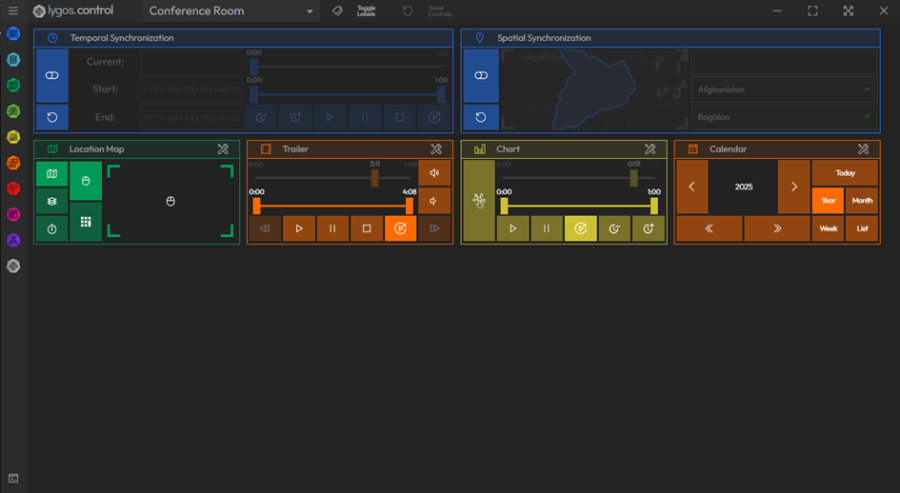
Key Features:
- Real-Time Control: Manage and interact with visualizations live on the video wall or dashboard, either from the Management UI or the Control Client.
- Select Screenspace: Choose the specific screenspace you want to control directly from the dashboard.
- Separate Control Client: Launching from the Launcher Menu opens a dedicated control client with extended functionalities:
- View layouts
- Draw on Layout feature for annotation and emphasis
Session-Based Controls:
- Controls are temporary and valid only for the active session.
Customization:
- Rearrange control elements via drag and drop to match your preferred workflow and screen setup.