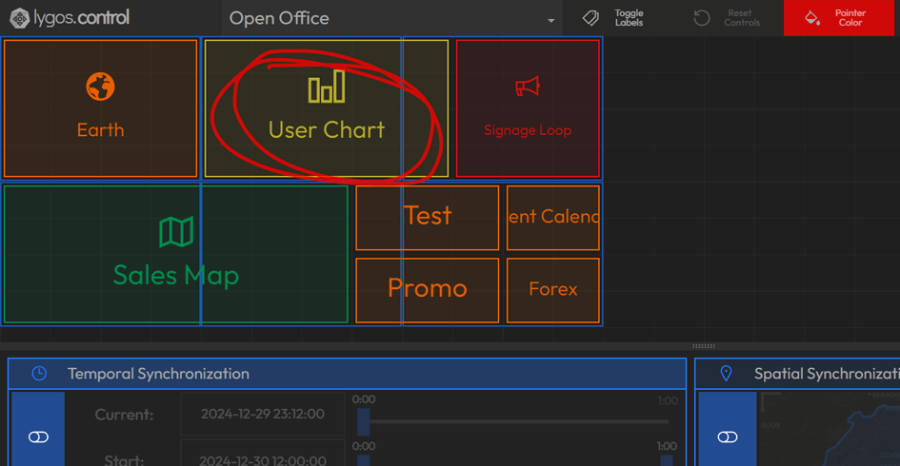
Tablet Control
The Lygos Tablet App enables seamless control of visualizations on video walls and dashboards using a tablet device.
How It Works
- Use the Control QR Code to quickly log in and connect your tablet to a specific Screenspace Control session.
- Or login conventionally using master keys (should be control level or higher) or user keys and server IP.
- Once connected, you can interact with deployed visualizations in real-time.
Key Features
- Instant connection via QR scan
- Real-time manipulation of visualizations
- Intuitive touch interface for control and navigation
- Point and Draw at Video Walls using Touch Controls as they are Whiteboards