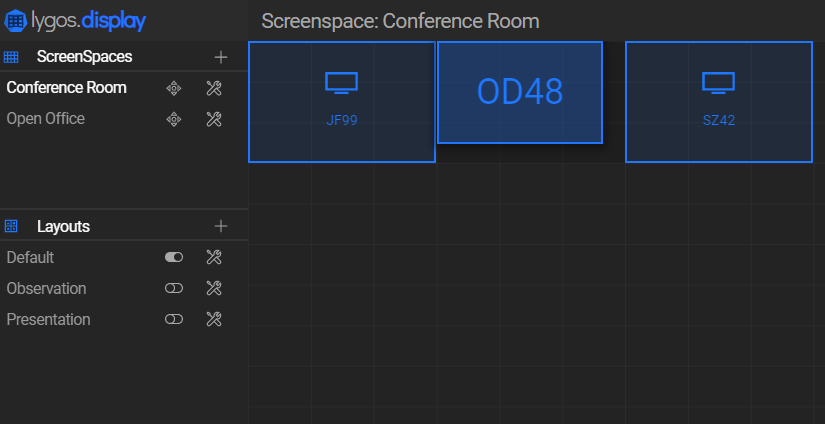
Create Screenspaces
Screen clients summoned on distributed computer nodes connected to the video wall displays or dashboards can be virtually assigned to a grid.
This assignment allows us to seamless synchronization and dynamic visual deployment across group of screens.
For example, you can represent 12 videowall displays in 3x4 as a seamless screenspace, or 3 dashboards on office corridor, this flexible screenspace formation enables users to represent any screen group as a screenspace.
Creating a New Screenspace
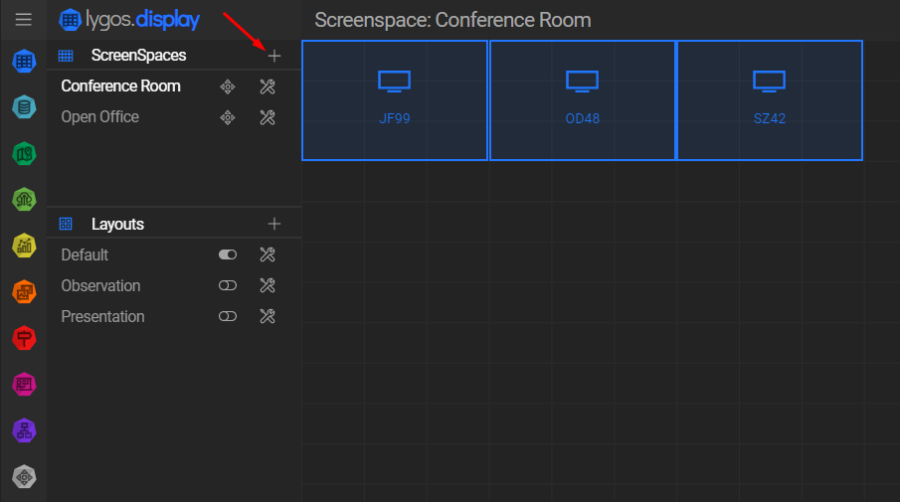
- Press the “+” button in the Screenspaces Menu to create a new screenspace.
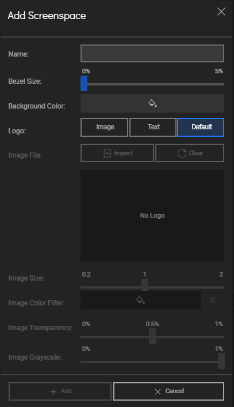
- During creation, you can configure:
- Screenspace Name
- Bezel Size
- Logo
- These settings can be revisited and modified anytime by pressing the Settings button next to a name of the screenspace in the menu.
Navigating Screenspace View
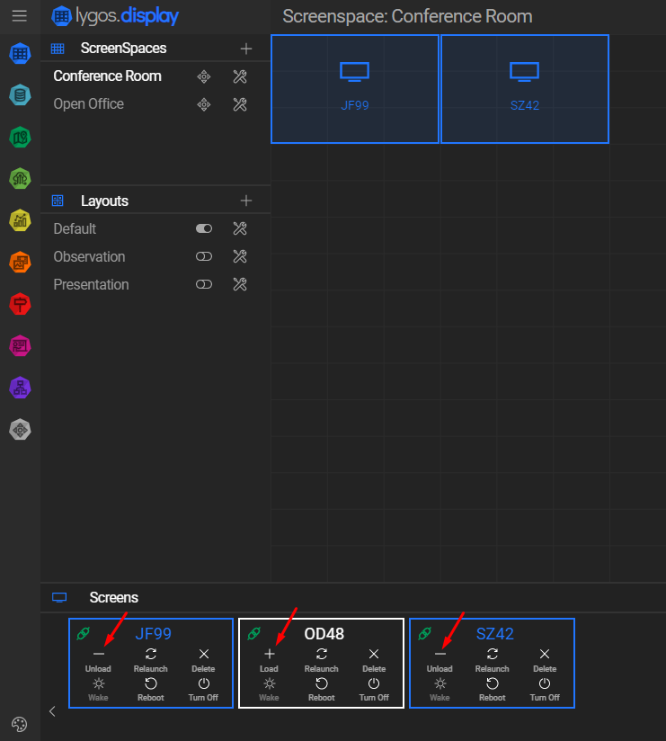
- Select a screenspace from the menu by clicking on its name.
- The Screenspace View displays:
- A grid layout of the screenspace
- A list of screens currently connected to the server
Summoning and Managing Screens
- Screens can be summoned from any computer connected to the same server via the “Summon Screen” button on their launchers.
- Once a screen is created on the server, it will appear as a card in the Screens tab of the Screenspace View.
Screen Status Indicators:
- Blue: Screen is loaded to this screenspace
- White: Screen is not loaded to any screenspace
- Gray: Screen is loaded to a different screenspace
Loading and Arranging Screens
- Use the Load and Unload buttons on each screen card to assign or remove screens from the screenspace.
- Adjust screen positions by dragging them from the center.
- Resize inner grid dimensions by dragging from the corners.
The inner grid dimensions define the layout capacity of visualizations on that screen:
- 1×1 grid: One visualization can be deployed
- 2×2 grid: Up to four visualizations (1×1 each) or one large 2×2 visualization, or any valid combination within the space
This layout system allows flexible arrangement and sizing of visuals to match your display strategy.