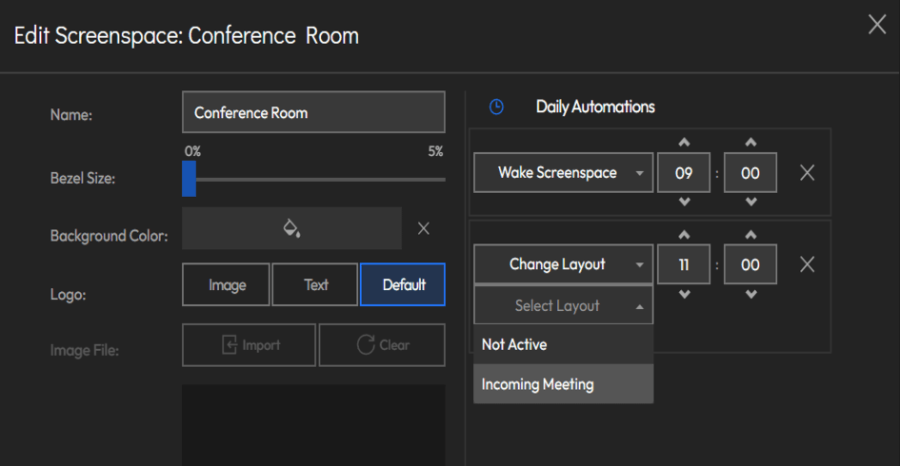
Video Wall Screenspace Automations
Automate your screenspaces using scheduled actions. By selecting a specific action and setting a trigger time, you can manage your environment automatically without the need for manual intervention.
Available Actions
You can schedule the following actions to streamline your workflow:
- Change Layout: Automatically switches the screenspace to a pre-defined, ready to use layout.
- Wake Screenspace: Launches the screens and powers on their connected computers.
- Relaunch Screenspace: Restarts both the screens and their connected computers to refresh the system.
- Shutdown Screenspace: Safely closes the screens and powers down their connected computers.
- Clear Drawing: Instantly removes any drawings from the display.
- Reset Controls: Reverts all interactive control settings back to their default states.
- Show Labels: Enables the visibility of identification labels across the screenspace.
- Hide Labels: Disables the visibility of identification labels for a cleaner viewing experience.