










Blueprint
The Blueprint module provides a high fidelity visual representation of CAD drawings, automatically converting standard DWG files into fully scalable SVG formats. This tool is essential for engineering, architectural, and facility management teams that require precise technical reviews. Whether you are panning and zooming through a complex floor plan on a local workstation or projecting high resolution schematics across an expansive operations video wall for collaborative analysis, Blueprint ensures that every line and detail remains perfectly crisp. With intuitive controls to adjust stroke proportions and background colors, administrators can easily optimize these technical drawings for maximum visibility in any display environment without sacrificing structural accuracy.
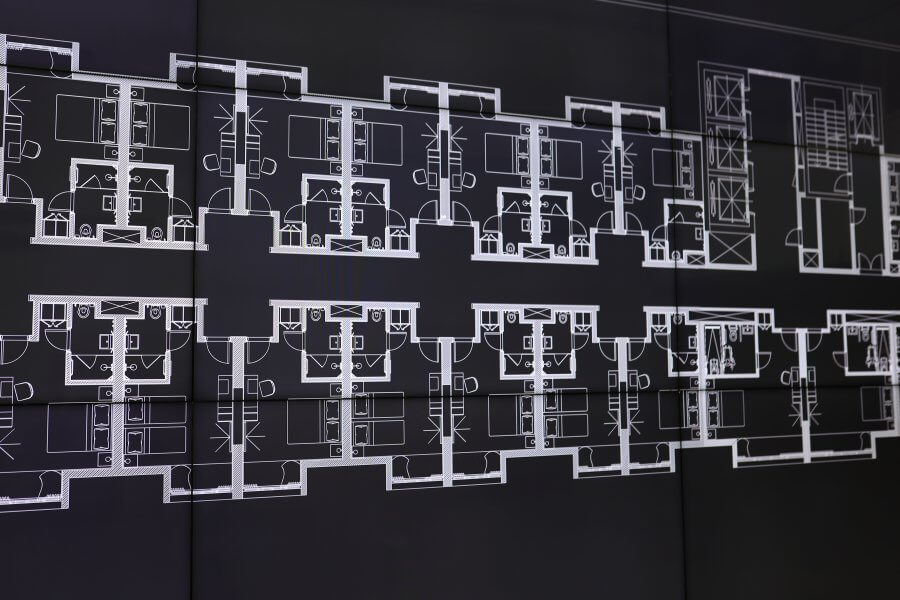
How to configure and display blueprint on video walls and dashboards
Supported File Formats
- Import Types: CAD Files
- Export Types: PNG, SVG
Styling Options You can edit the representation stylings to improve readability based on your specific display needs:
- Background Color: Adjust the background to increase contrast or match your overall display theme.
- Stroke Proportion: Modify the line thickness of the drawing to ensure it remains visible at varying scales and viewing distances.
Deploy on video walls and Dashboards
Deployment Options Quickly deploy your blueprints directly from the editor without needing to navigate to the Display Module.
1. Deploy Select the specific screenspace where you want to deploy the drawing. Selecting a screenspace will list all currently deployed visualizations on the right side of the interface.
- Add to First Available Spot: Deploy the blueprint directly into the first empty spot on the layout grid area.
- Replace Visualization: Deploy your blueprint by replacing a visualization or slot that is already active on the layout.
2. Assign Assign your blueprint to a specific dynamic slot for flexible deployment.
- You can assign the visualization to an already loaded slot, or to a slot that does not yet exist on the layout grid. Once that slot is actively loaded onto a screen, the assigned blueprint will immediately appear.
- Slots can be deployed to Layouts from the Assign Category on the Display Module.
Deploy through Display Module by navigating Display Module. Select screenspace and layout. Select visualization to deploy and click load or drag and drop into grid area.