










Web
The Web module allows you to seamlessly embed and display external websites directly within your Lygos environment. Whether you are pulling critical third party analytics into a unified control room or display any web content across a massive video wall, this tool bridges the gap between external web resources and your internal displays. By simply entering a URL, you can securely integrate online reports and custom HTML content right alongside your other essential media assets.
How to configure and display web pages on video walls and dashboards
💡 How to Use
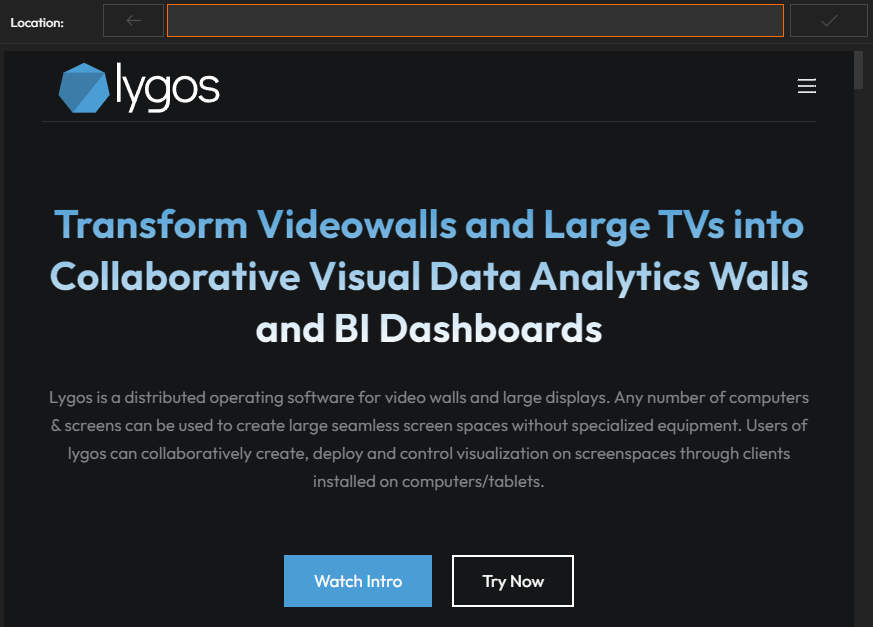
- Enter the desired web URL into the input field.
- Click the ✅ tick icon to load and display the web page on your screen or layout.
🛠 Features
- Supports live web page viewing inside Lygos.
- Ideal for displaying dashboards, reports, news feeds, or any embeddable web content.
Limitations
- For Security Reasons, Web Pages are converted to Static Sources before display. This can lead to certain limitations on the displayed pages and their navigation
Deploy on video walls and Dashboards
Deploy through Editor by clicking Deploy. Select a screenspace and select load into first available spot or swap with already deployed visualization.
Deploy through Display Module by navigating Display Module. Select screenspace and layout. Select visualization to deploy and click load or drag and drop into grid area.