










News
The News module provides a streamlined way to integrate live information and external updates directly into your Lygos environment. Whether you are tracking industry headlines in a corporate lobby or broadcasting real-time RSS feeds across a prominent video wall in a control center, this tool ensures your audience stays continuously informed. With customizable update frequencies and extensive styling options to personalize the layout, colors, and typography of your news cards, you can seamlessly blend dynamic information streams into any screen formation.
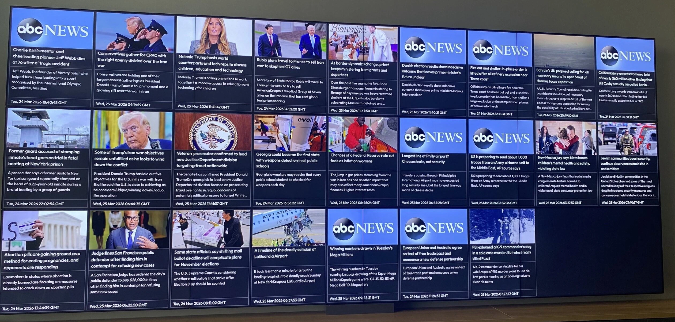
How to configure and display images on video walls and dashboards
🔗 Add RSS Feed
- Enter your RSS Feed URL into the input field.
- Click the ✅ Confirm button.
- Your feed’s news items will be displayed in the view.
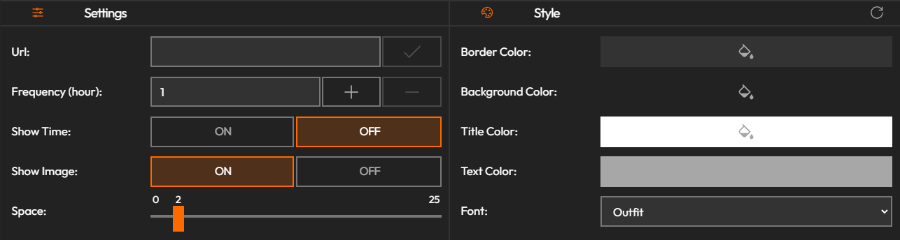
🎨 Customize View
- Adjust the visual style of how your news feed is displayed.
- Personalize fonts, layout, colors, and more to match your screen design.
Deploy on video walls and Dashboards
Deploy through Editor by clicking Deploy. Select a screenspace and select load into first available spot or swap with already deployed visualization.
Deploy through Display Module by navigating Display Module. Select screenspace and layout. Select visualization to deploy and click load or drag and drop into grid area.