










Calendar
The Calendar module provides a comprehensive way to integrate and manage schedules, events, and timelines directly within your Lygos environment. Whether you are synchronizing shift rotations in a busy command center or displaying upcoming corporate events across a large scale video wall, this tool ensures your team stays perfectly aligned. Featuring support for both interactive local files and auto refreshing remote feeds from external platforms, you can easily customize visual styles and switch between flexible year, month, week, or list views to suit any display requirement.
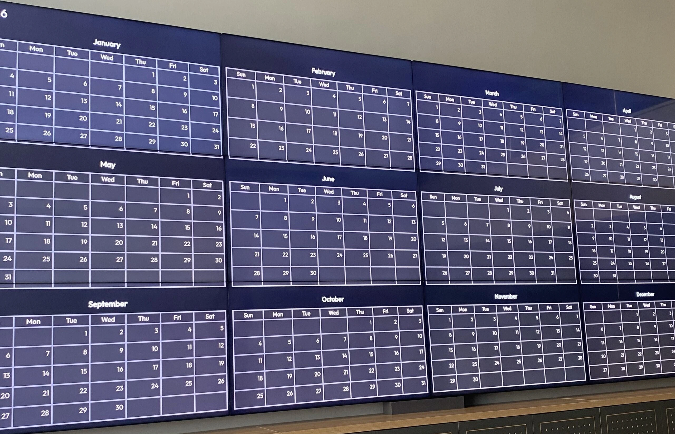
How to configure and display calendar on video walls and dashboards
📥 Import/Export Formats
- ICS – Standard iCalendar format.
- JSON – Custom JSON calendar format.
📂 Local Calendars
- Stored locally in your system.
- Supports adding, editing, and deleting events.
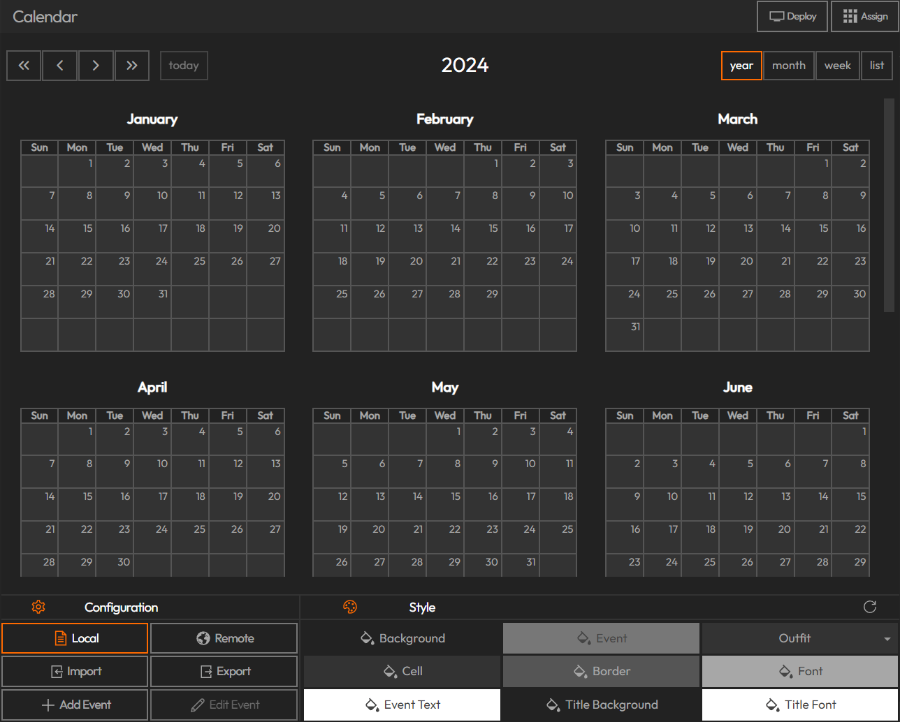
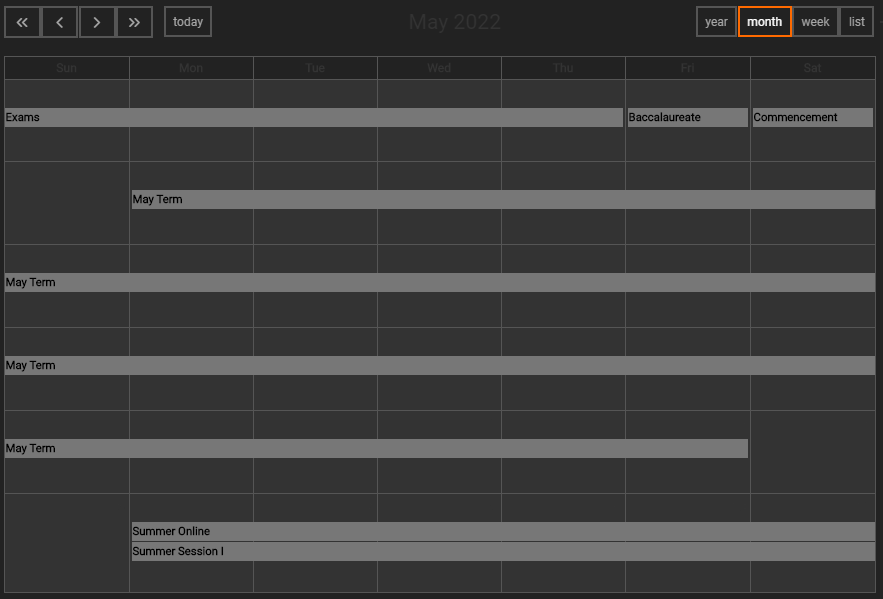
- Display views:
- Year
- Month
- Week
- List
- Import ICS files to populate your calendar with events.
- Customize styles and colors for a tailored calendar display.
🌐 Remote Calendars
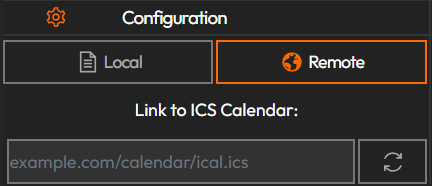
- Stored on external platforms (e.g., Google Calendar, Outlook).
- View-only inside Lygos — no editing from within the system.
- Always fetches the latest data each time it is displayed.
- To add:
- Paste the calendar URL.
- Press the ✅ check button to load.
⚠️ Note: If you make changes while a remote calendar is displayed, you must refresh the visualization or editor to see the updates.
Deploy on video walls and Dashboards
Deploy through Editor by clicking Deploy. Select a screenspace and select load into first available spot or swap with already deployed visualization.
Deploy through Display Module by navigating Display Module. Select screenspace and layout. Select visualization to deploy and click load or drag and drop into grid area.