










Graphics
The Graphics module enables you to upload, manipulate, and visualize high fidelity 3D scenes and objects directly within your Lygos workspace. Whether you are analyzing a digital twin in an operation center or showcasing detailed 3D models across a video wall, this tool brings fully encapsulated .glb files to life. Featuring an intuitive settings panel, you can easily customize camera angles, lighting options, and environmental configurations to deliver immersive, real-time 3D presentations without needing external software.
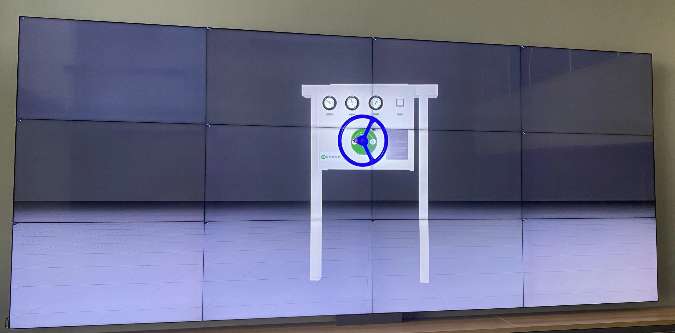
How to configure and display images on video walls and dashboards
📁 Import / Export Format
- Supported Format:
.glb(Binary version of gLTF) - About GLB:
- Open-source format for 3D scenes and models
- Encapsulates all assets (meshes, textures, animations, etc.) into a single binary file
- No need for external files — makes it portable and efficient
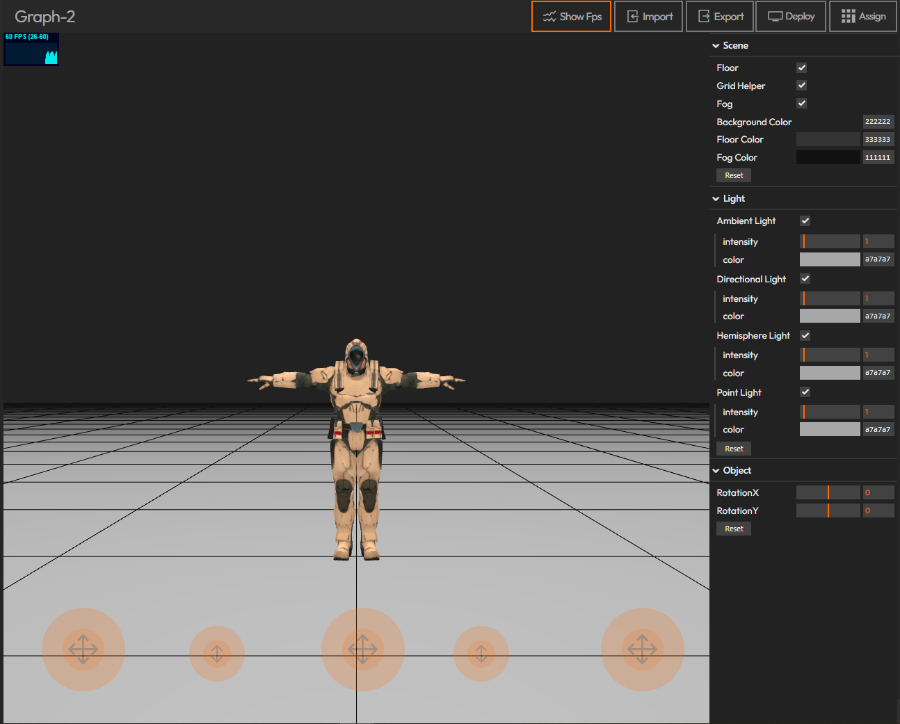
🛠️ How to Use
- Import your
.glbfile - Customize the scene from the right-side settings panel:
- 🎥 Camera Settings
- 💡 Lighting Options
- 🌐 Scene Configurations
Deploy on video walls and Dashboards
Deploy through Editor by clicking Deploy. Select a screenspace and select load into first available spot or swap with already deployed visualization.
Deploy through Display Module by navigating Display Module. Select screenspace and layout. Select visualization to deploy and click load or drag and drop into grid area.