










Page
The Page module provides a built in rich text editor to create and display custom HTML information boards directly within your Lygos environment. Whether you are drafting daily shift briefings for an operation center or presenting formatted corporate announcements across a multi screen video wall, this tool allows you to build lightweight, local web pages from scratch. With comprehensive formatting controls, list structures, embedded images, and table support, you can easily design structured, text based content to sit perfectly alongside your real-time visualizations.
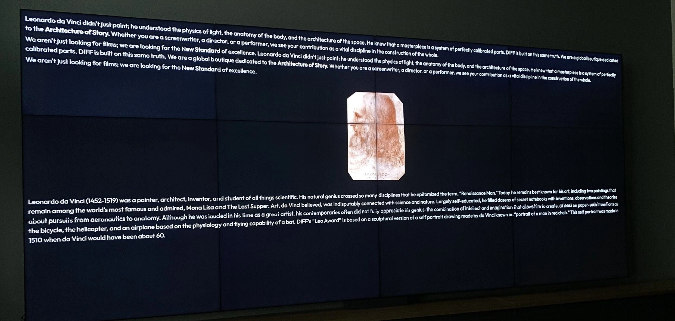
How to configure and display images on video walls and dashboards
🔁 Import/Export Types
- Supported Format: HTML

✏️ Editor Features
You can create content-rich Pages with a wide range of formatting and layout options:
📝 Text Formatting
- Headings, Paragraphs
- Font Modes: Bold, Italic, Underline, Strikethrough, Subscript, Superscript
- Font Settings: Font Size, Font Family, Font Color, Background Color
- Alignment: Left, Center, Right
- Block Quote, Horizontal Line
📋 Lists & Structure
- Bulleted Lists
- Numbered Lists
- To-Do Lists (with checkboxes)
- Indentation control
📊 Advanced Elements
- Insert & edit Tables
- Insert Images (drag, resize, reposition)
- Insert Code snippets and full Code Blocks
🔍 Utilities
- Find and Replace
- View and edit HTML source code
- Undo & Redo
- Set custom Background Color
⚠️ Important Note
Avoid uploading large image files—there is a file size limit for image uploads.
Deploy on video walls and Dashboards
Deploy through Editor by clicking Deploy. Select a screenspace and select load into first available spot or swap with already deployed visualization.
Deploy through Display Module by navigating Display Module. Select screenspace and layout. Select visualization to deploy and click load or drag and drop into grid area.