










Gallery
The Gallery module allows you to curate, manage, and showcase dynamic collections of images within your Lygos environment. Whether you are setting up automated digital signage or assembling an array of critical visual assets across a sprawling video wall, this tool provides complete control over your multi image presentations. Featuring both automatic and free layout modes, customizable spacing, and diverse sorting options, you can easily organize and deploy tailored image galleries to fit any screen configuration perfectly.
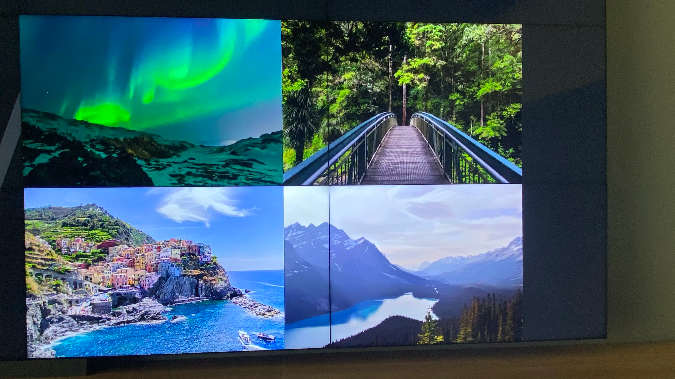
How to configure and display gallery on video walls and dashboards
📥 Importing Images
- Import or drag & drop images to upload.
- Uploaded images appear in the Images tab.
- Imported images are not displayed on screens automatically.
To display images:
- Press Load on the selected images.
- Loaded images will then appear on the deployed screens.
From the Images tab, you can:
- Delete
- Preview
- Export images
⚙ Mode
Choose how images are arranged within the deployed layout area:
- Auto
- Images are automatically sized and arranged to best fit the layout area.
- Free
- Images can be manually arranged.
- You can adjust:
- Image order
- Gaps between images
- Image sizes
🔄 Sorting Options
Loaded images can be sorted by:
- Uploading Date
- Creation Date
- Name
- Color
- Random
Deploy on video walls and Dashboards
Deploy through Editor by clicking Deploy. Select a screenspace and select load into first available spot or swap with already deployed visualization.
Deploy through Display Module by navigating Display Module. Select screenspace and layout. Select visualization to deploy and click load or drag and drop into grid area.