










Boards
The Boards module enables you to seamlessly integrate and manage interactive Kanban style task boards directly within your Lygos environment. Whether you are coordinating agile workflows in a busy control room or displaying team progress across a massive video wall, this tool keeps everyone aligned and up to date. With intuitive drag and drop functionality, extensive visual customization, and built in support for importing existing Trello JSON files, you can easily organize, style, and track tasks to perfectly match your operational needs.
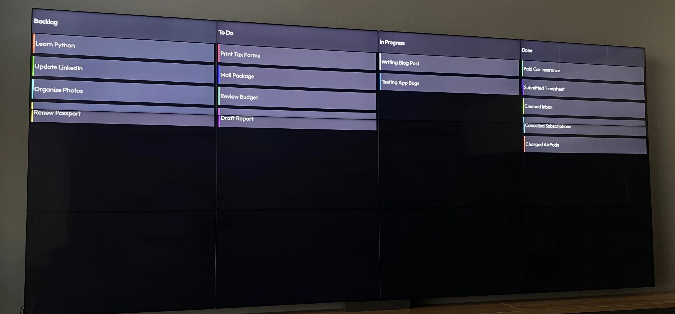
How to configure and display kanban boards on video walls and dashboards
🔁 Import/Export Types
📥 Trello JSON Format
- Export from Trello:
- Open your Board
- Navigate to: Menu > More > Print & Export > Export as JSON
- Save the exported file to your device
- Import to Lygos:
- Go to Import > Upload your saved Trello JSON
📥 Lygos Board JSON Format
- Import and export directly in Lygos’ native JSON structure
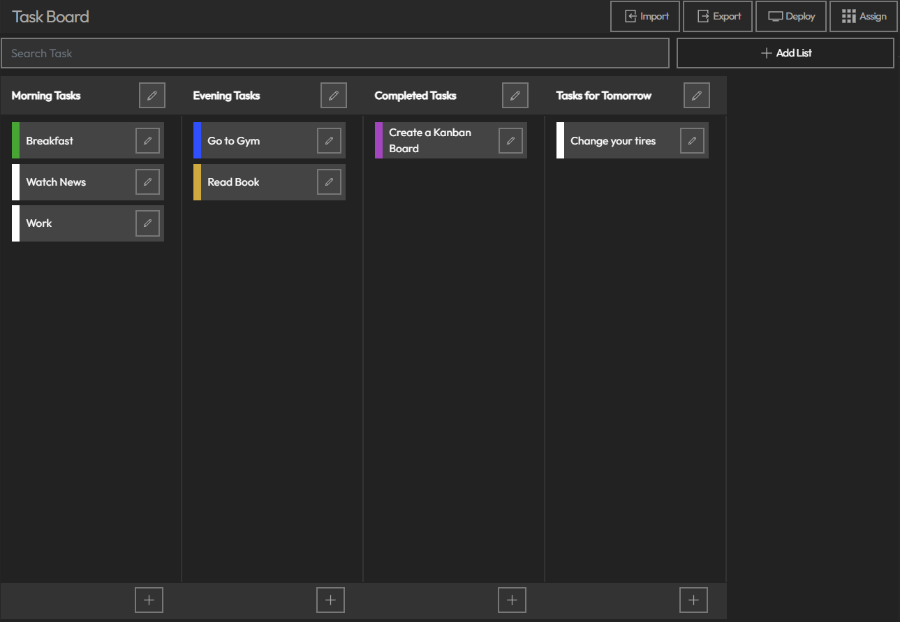
🧩 Board Features
- Drag & Drop:
- Move tasks between lists and reorder lists freely with drag and drop support
- Customization:
- Style your Kanban board visually to fit your preference or brand

Deploy on video walls and Dashboards
Deploy through Editor by clicking Deploy. Select a screenspace and select load into first available spot or swap with already deployed visualization.
Deploy through Display Module by navigating Display Module. Select screenspace and layout. Select visualization to deploy and click load or drag and drop into grid area.